How To Maintain A Soldering Station: Easy Care Tips
Regular maintenance helps a soldering station heat reliably, transfer heat well, and last longer. The essentials are simple: clean and tin the tip, keep the iron and stand free of debris, inspect the cord and connectors, and follow the manufacturer’s instructions for calibration, filters, and other serviceable parts.
Most routine care takes only a few minutes. The right method can vary by station and tip, so use the station’s manual for model-specific instructions—especially before opening the base or changing settings.
Clean and tin the soldering tip
The tip needs a clean, solder-coated surface to transfer heat effectively. A tip that is dirty or oxidized may not wet evenly with solder, making joints harder to form.
During a soldering session
Clean the tip when solder or flux residue builds up, or when solder stops spreading smoothly across the working surface.
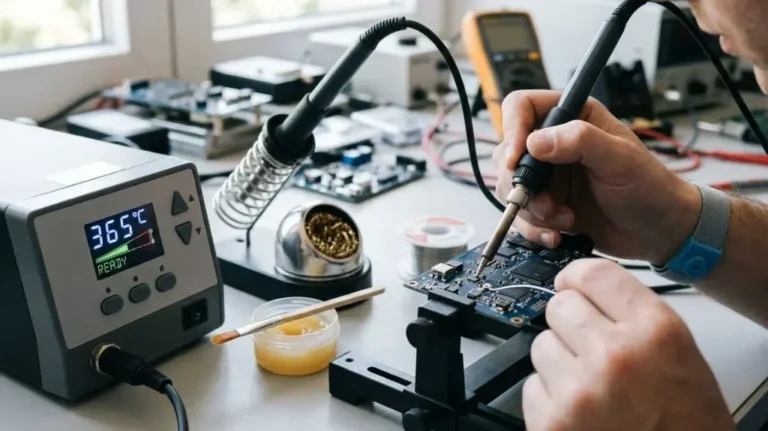
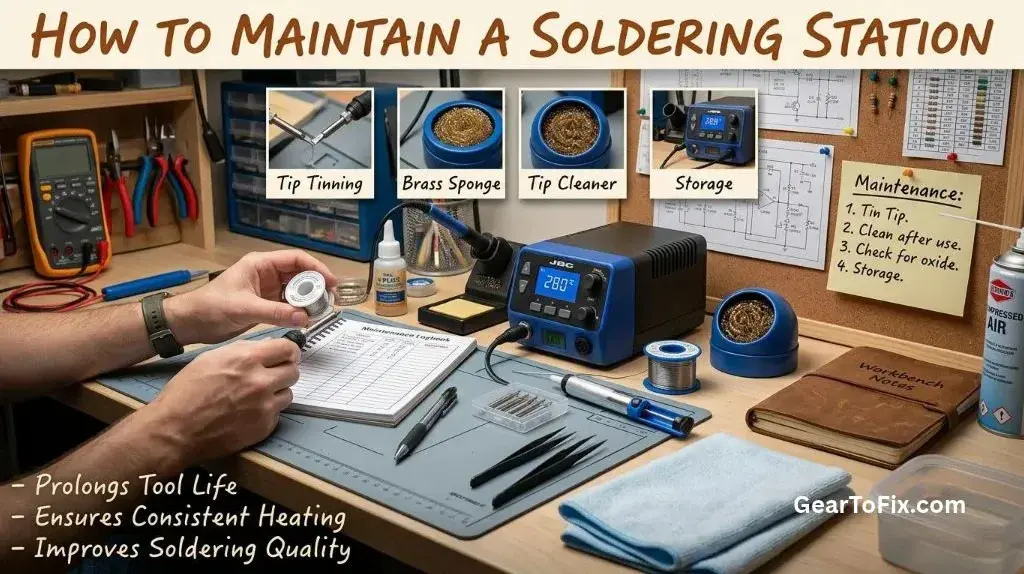
- Wipe the hot tip briefly on a damp, clean sponge or brass-wool tip cleaner. Use a sponge intended for soldering; household sponges may contain materials that are unsuitable for hot tools.
- Apply a small amount of fresh solder so the working surface is coated.
- Return the iron to its stand between tasks.
A damp sponge removes residue, while brass wool cleans the tip with less cooling. Either can be suitable if the station or tip manufacturer permits it. Avoid soaking the sponge or repeatedly scrubbing the tip with unnecessary force.
Before switching the station off
Coat the working area of the tip with fresh solder before turning the station off. This layer helps protect the surface while it cools. Follow the manufacturer’s advice if the tip has a special coating or care instructions.
If solder will not wet the tip
If solder beads up or pulls away from the tip, the surface may be oxidized or contaminated. Try cleaning it and applying fresh solder. A tip-cleaning compound designed for soldering may help with some oxidation, but use it according to its instructions.
Do not file, sand, or scrape a modern plated tip. Removing its protective coating can damage it and shorten its useful life. If careful cleaning and tinning do not restore wetting, the tip may need replacement.
Keep the station and iron clean
Flux splashes, solder clippings, and dust can collect around the stand and controls. Clean these areas after the equipment has been switched off and cooled.
- Remove loose debris from the stand and work surface.
- Clean the iron’s grip and exterior with a method approved by the manufacturer.
- Keep soldering residue away from buttons, vents, and electrical connections.
- Do not pour liquid onto the iron or station, and do not use solvents unless the manual permits them.
- Empty or clean removable stand trays as needed.
Never immerse the handpiece or station in water. If debris has entered the station’s housing or a control is not working properly, unplug the unit and consult the manual rather than opening it without guidance.
Inspect the cord, handpiece, and connections
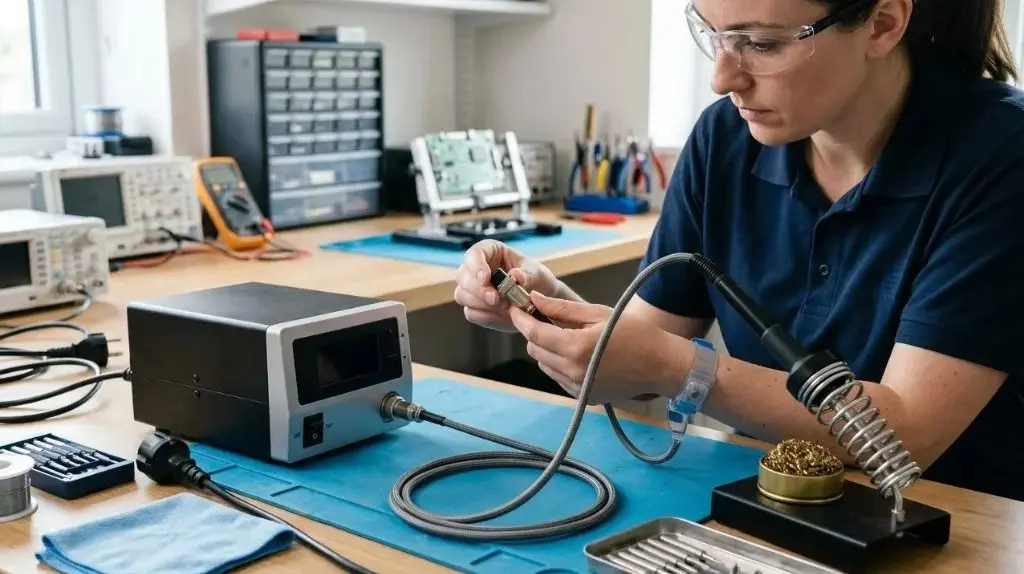
Before use, check the iron’s cord for cuts, crushed sections, exposed conductors, or signs of heat damage. Look over the handpiece and connector for cracks, looseness, or other changes that could affect safe operation.
Stop using the station if you notice damaged insulation, intermittent power, a loose connector, or an unusual burning smell. Unplug it and arrange repair or replacement according to the manufacturer’s instructions. Do not patch a damaged mains cord with tape or continue using a handpiece that has a suspected electrical fault.
When connecting or disconnecting a detachable handpiece, follow the station’s instructions. Some equipment should be switched off first; others may have specific connector procedures.
Maintain the stand and surrounding equipment
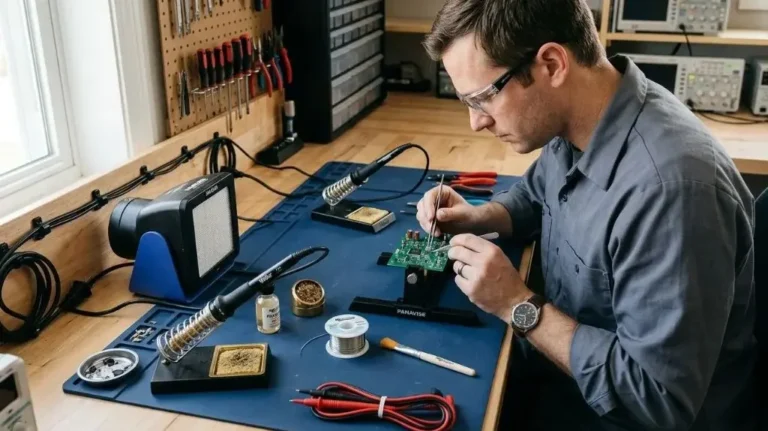
The stand should hold the iron securely without tipping or allowing the hot tip to touch nearby objects. Check that the cradle is stable and that any removable sponge tray or brass-wool holder is seated correctly.
If the station includes a soldering fume extractor, maintain it separately from the iron. Clean or replace its filter as directed by the manufacturer, and make sure the intake is not blocked. A filter that is saturated or clogged may not capture fumes effectively.
Keep ventilation openings on the station unobstructed. Dust can restrict airflow and contribute to overheating, but cleaning inside the housing may expose electrical components. Follow the manual’s cleaning instructions and unplug the station before any permitted external cleaning.
Check temperature control and performance
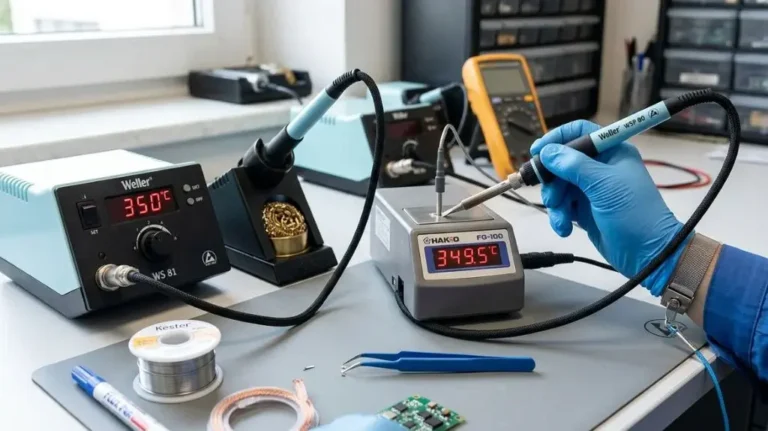
A station that is slow to heat, unstable, or unable to maintain its set temperature may need attention. First check simple causes: confirm that the handpiece is fully connected, the tip is installed correctly, and the chosen tip is suitable for the task.
Temperature readings can vary between stations and tips. If the station has a temperature calibration function, use it only as described in the manual and with suitable measuring equipment. Do not adjust calibration simply because another station displays a different number.
Consider replacing a tip that is badly worn, pitted, loose, or no longer transfers heat properly after cleaning. If the station still behaves erratically with a suitable tip and secure connections, stop using it and consult the manufacturer or a qualified repair service.
A practical soldering station maintenance schedule
How often a station needs attention depends on how frequently it is used and the type of work being done. Use this schedule as a starting point, then follow the manufacturer’s maintenance guidance.
| When | Maintenance task |
|---|---|
| Before use | Check the cord, handpiece, connector, stand, and visible station vents for damage or blockage. |
| During use | Clean the tip when needed, apply fresh solder, and return the iron to its stand between tasks. |
| Before shutdown | Coat the tip with solder, then switch off the station according to its instructions. |
| After cooling | Remove loose debris and clean the stand or work surface. |
| Periodically | Check filters, removable trays, ventilation openings, and other serviceable parts as directed by the manual. |
Mistakes that can shorten tip life
Good maintenance is mostly about avoiding unnecessary wear. These habits can damage the tip or make it harder to work:
- Leaving the tip bare while hot: Keep it lightly coated with solder when it is not being used.
- Using an abrasive tool: Filing or scraping can remove the tip’s protective plating.
- Cleaning too aggressively: Wipe or brush away residue without grinding the tip.
- Using an unsuitable sponge or cleaner: Choose products intended for soldering and follow the tip maker’s guidance.
- Leaving the iron outside its stand: The hot tip can burn nearby materials or be damaged by contact.
- Ignoring cord or connector damage: Stop using the station if its electrical parts appear unsafe.
- Changing calibration without checking the manual: Adjustments made with unsuitable equipment can make temperature control less reliable.
FAQs On How To Maintain A Soldering Station
How often should I clean a soldering iron tip?
Clean it when solder or residue builds up or when solder no longer wets the tip smoothly. The right frequency depends on the work and the tip, so clean as needed rather than following a fixed number of minutes.
Should I leave solder on the tip when I turn the station off?
Yes. A light coating of fresh solder helps protect the tip as it cools. Follow the tip or station manufacturer’s instructions if they specify a different procedure.
Can I use sandpaper to clean a soldering tip?
No. Sandpaper and files can remove the protective plating on many soldering tips. Use a suitable tip cleaner and replace the tip if it remains damaged or will not wet properly.
Why does solder stop sticking to the tip?
Oxidation, residue, or a worn tip can prevent solder from wetting the surface. Clean and tin the tip first. If that does not help, follow the manufacturer’s cleaning guidance or replace the tip.
Can I calibrate my soldering station without special equipment?
Accurate calibration generally requires a suitable temperature-measuring device and the procedure specified for that station. If you do not have the required equipment or instructions, avoid guessing at adjustments.
Keep maintenance simple and consistent
For most soldering stations, routine care comes down to a few habits: clean and tin the tip when needed, protect it before shutdown, keep the stand and vents clear, and inspect the cord and handpiece regularly. Use the manual for model-specific cleaning, calibration, and filter instructions, and stop using the station if you find electrical damage or persistent performance problems.

Scott Yarnell is a tool expert focused on practical guides, product research, and real-world tool performance to help readers make informed decisions.