PCB Holder Vs Vise For Electronics Repair: Best Tool
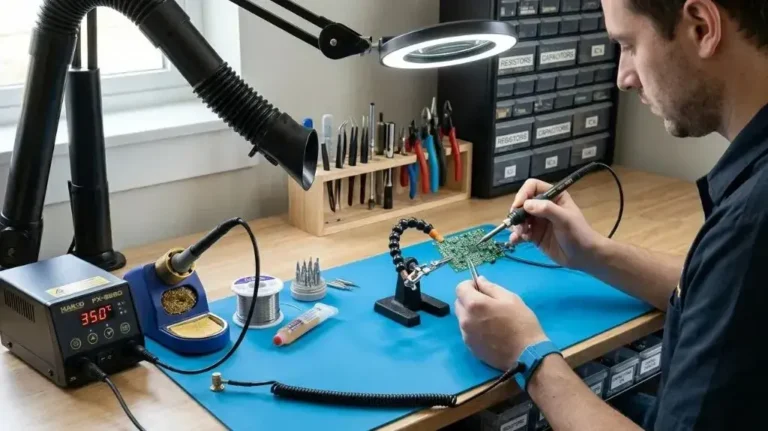
A PCB holder and a vise both keep a circuit board steady, but they are designed for different kinds of work. A PCB holder usually supports a board for soldering and inspection while leaving both sides accessible. A vise grips an object more firmly, which is useful for tasks that involve pressure but can damage a PCB if it clamps the wrong area.
The right choice depends on what you’re doing to the board. Here’s how the two differ, where they overlap, and when neither is a good fit.
How a PCB holder and a vise secure a board differently
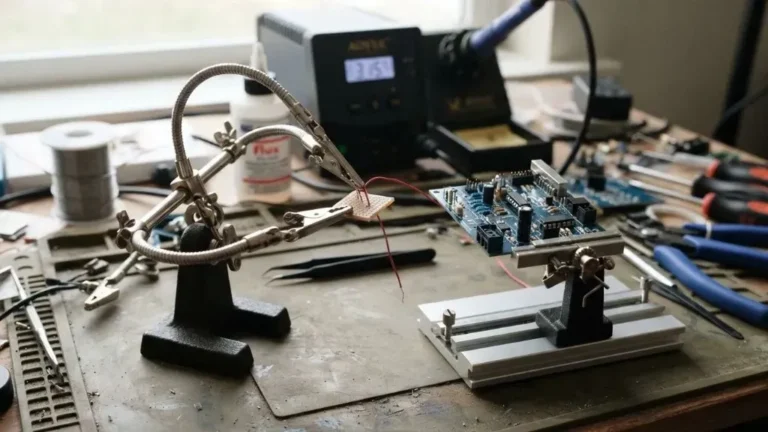
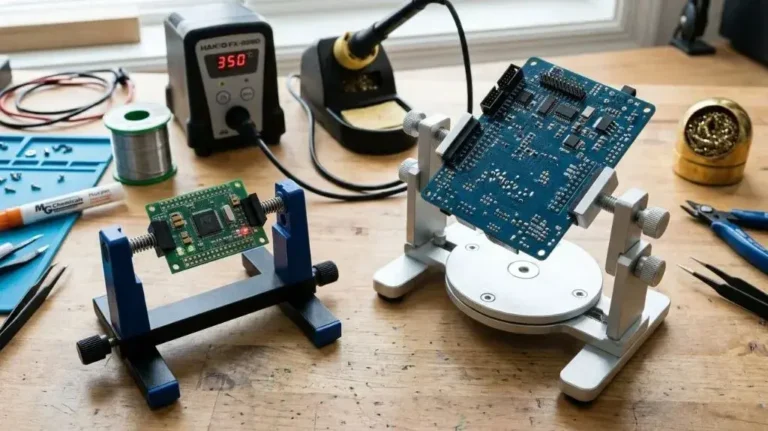
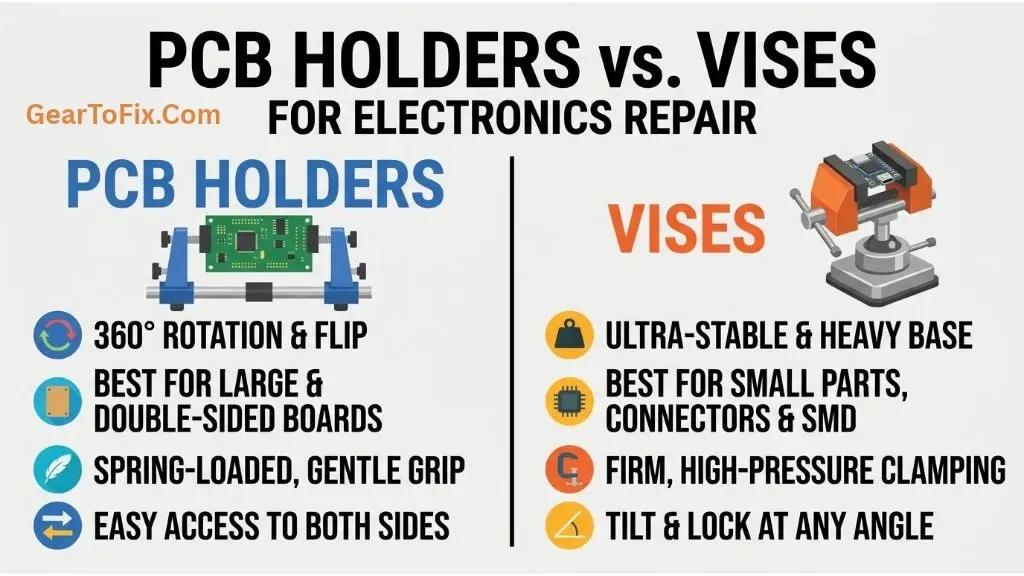
A PCB holder supports a circuit board with adjustable clips, rails, or jaws. Many models let you rotate the board or reposition its supports, so you can reach different areas without constantly picking it up. The goal is stable access, not a crushing grip.
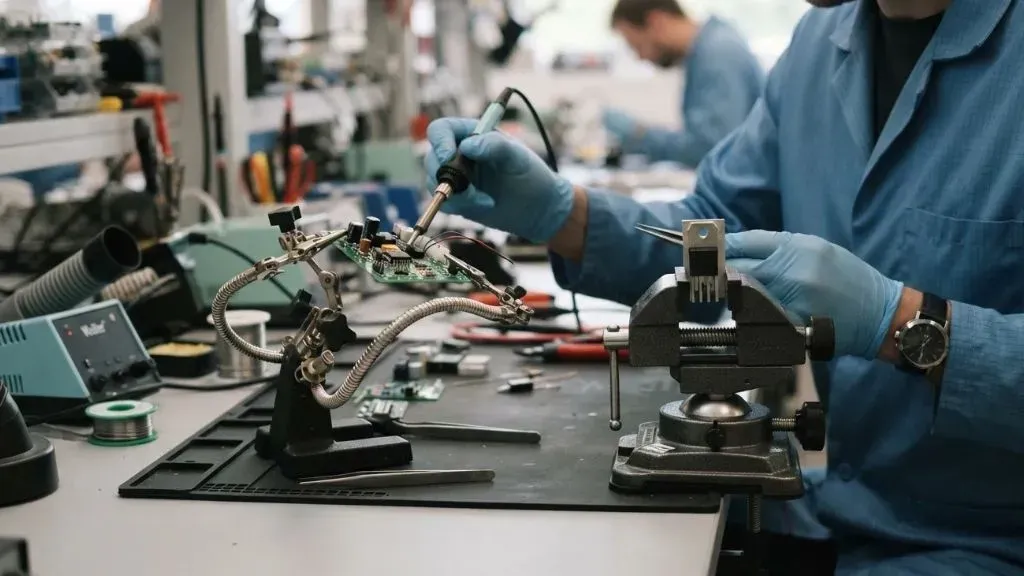
A vise holds an object between opposing jaws. A small electronics vise may have padded or soft jaws, while a general bench vise is usually built for heavier work. A vise can hold a board securely, but its clamping force is concentrated near the jaws.
That difference matters during repair. Soldering, probing, and inspection usually call for a holder that keeps the board accessible. Pressing in a connector or removing a stubborn part may call for firmer support, but only if the board is clamped carefully.
Which tool is better for common repair tasks?
For most soldering and inspection work, a PCB holder is the more practical choice. It can support the board without blocking components or placing excessive pressure on the edges.
A vise is more useful when the board or a small component needs to resist force. Even then, the workpiece should be secured in a way that does not flex the PCB or load delicate components.
| Repair task | PCB holder | Vise |
|---|---|---|
| Soldering and desoldering | Usually a good fit; keeps the board accessible | Can work, but jaws may obstruct the repair area |
| Inspection and probing | Useful when the board can be positioned or rotated | Holds firmly, but may limit access |
| Pressing or pulling a connector | May not provide enough resistance | Can help if the board is supported safely |
| Holding a small loose part | Depends on the holder’s clips | Often useful with suitable soft jaws |
In practice, a PCB holder is better for routine board-level work, while a vise is better for controlled force. Neither tool should be used in a way that bends the board.
When a PCB holder is the better choice
Choose a PCB holder when you need to keep a board steady while working across different areas. It is particularly helpful for:
- Soldering through-hole parts or surface-mount components
- Inspecting solder joints under magnification
- Using probes or tweezers while keeping the board in place
- Rotating a board to reach its other side
- Working with small boards that are awkward to hold by hand
A holder can also make a repair more comfortable by reducing the need to grip the PCB. This helps keep fingers away from the soldering area and leaves more room for tools.
Its main limitation is grip strength. A lightweight holder may shift when you apply pressure, and clips can block components or cover the edge you need to repair. Position the supports on clear, sturdy areas of the board rather than on fragile components or connectors.
When a vise makes more sense and when it does not
A vise is useful when a part needs to stay firmly in place during a task that involves force. For example, a suitable electronics vise may hold a connector or small assembly while you work on it. Soft, non-marring jaws can reduce surface damage, but they do not automatically make every vise safe for every PCB.
A general bench vise is often a poor choice for directly clamping a circuit board. Its jaws may apply too much force, and the board can crack, warp, or suffer damage to components near the edges. A vise can also block access to the solder joint you need to reach.
If you use one, clamp only a robust area, apply minimal pressure, and support the board so it cannot flex. For delicate or valuable boards, a purpose-built PCB fixture or a separate support beneath the work area is usually safer.
Can one replace the other?
Usually, no. A PCB holder is designed for access and positioning; a vise is designed for firm restraint. A PCB holder may not resist the force needed for pressing or pulling, while a vise may make ordinary soldering awkward or risky.
Some adjustable fixtures and electronics vises sit between these categories. They may hold a board securely while allowing it to rotate, but their usefulness depends on the jaw design, board size, and how much of the board remains accessible.
If your work includes both routine soldering and forceful mechanical tasks, having the appropriate fixture for each is safer than asking one tool to do both jobs.
Avoiding board damage while securing it
The most common mistake is tightening a vise as if a PCB were a solid metal part. Circuit boards can flex, and pressure near an edge can stress copper traces, solder joints, or components.
With either tool:
- Support the board at sturdy points and avoid clamping over components.
- Keep the repair area clear of clips or jaws.
- Check that the board does not rock or bend when you touch it.
- Use only enough clamping force to prevent movement.
- If the fixture is conductive, take appropriate ESD precautions for the board and components.
A fixture should stabilize the PCB, not force it into position.
FAQs Of PCB Holder vs Vise for Electronics Repair
Is a PCB holder safer than a vise for circuit boards?
For ordinary soldering and inspection, a PCB holder is generally the safer and more convenient option because it is designed to support boards without a strong concentrated clamp. A vise can be suitable when used carefully, but excessive pressure can damage a PCB.
Can I use a regular bench vise to hold a PCB?
It is possible, but usually not ideal. A regular bench vise may apply more force than the board can tolerate. If you must use one, protect the board with suitable soft jaws, clamp only a sturdy area, and make sure the PCB cannot flex.
Does a PCB holder keep the board still enough for soldering?
Often, yes, for normal hand soldering and inspection. A lightweight holder may move if you push hard, so check its stability before starting. For work involving significant force, use a fixture designed to resist that force without bending the board.
Should I choose a rotating PCB holder or a fixed one?
A rotating holder is useful when you need to reach both sides or change the board angle during repair. A fixed holder may be sufficient for simple, repetitive work and can take up less space. The important factors are stable support and clear access to the repair area.
Can a vise hold small electronic components?
Yes, a small vise with suitable jaws can be useful for holding loose components or small assemblies. Avoid gripping delicate components tightly, and keep the workpiece positioned so the jaws do not block the area you need to solder.
Final Verdict
A PCB holder is usually the better choice for soldering, inspection, and general electronics repair because it supports the board while keeping it accessible. A vise makes more sense when a task requires firm restraint, but clamping a PCB directly in a general-purpose vise can cause damage.
They are not interchangeable: choose a holder for access and positioning, and a carefully selected vise for controlled force. If neither can hold the board without blocking the work or stressing it, use a different support method.

Scott Yarnell is a tool expert focused on practical guides, product research, and real-world tool performance to help readers make informed decisions.