Soldering Iron Safety Tips For Beginners: Safe Guide
Soldering irons use enough heat to cause serious burns, start fires, and damage nearby materials. The safest approach is to prepare a stable work area, treat the iron as hot whenever it is plugged in, and never leave it unattended.
These soldering iron safety tips for beginners cover setup, personal protection, safe handling, ventilation, soldering technique, shutdown, and common mistakes. Good habits matter from the first project because many soldering accidents happen during setup, repositioning, or cleanup rather than while joining components.
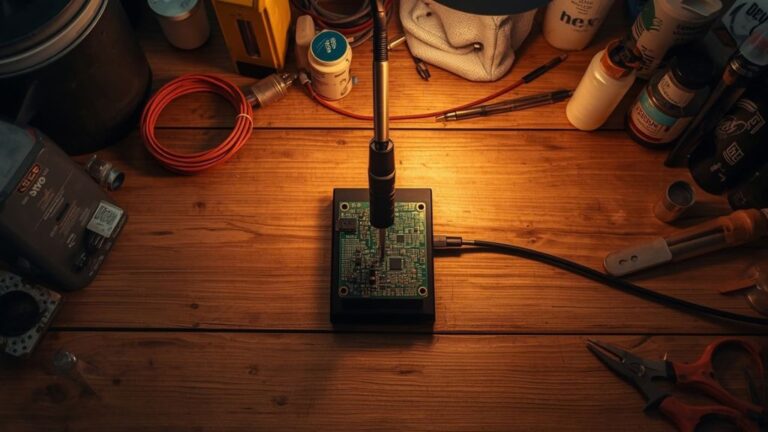
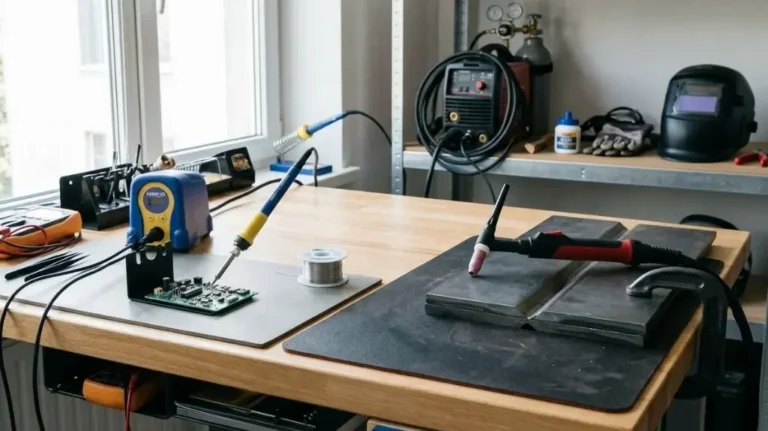
Set Up a Safe Soldering Work Area
Before plugging in the soldering iron, clear the area and decide where every item will go. A crowded workspace makes it easier to touch the hot tip, knock over the iron, or accidentally melt something.
Use a solid, level, heat-resistant work surface. Keep the soldering iron stand beside your dominant hand or in a position that lets you return the iron without reaching across the project.
Remove or move away:
- Paper, cardboard, tissues, and other flammable materials
- Loose cables that can catch on the iron
- Aerosol cans, solvents, alcohol, and other flammable liquids
- Plastic packaging and unnecessary clutter
- Drinks and food
- Items that could be damaged by heat
Keep the project, tools, and solder within easy reach, but leave enough open space to place the iron down safely.
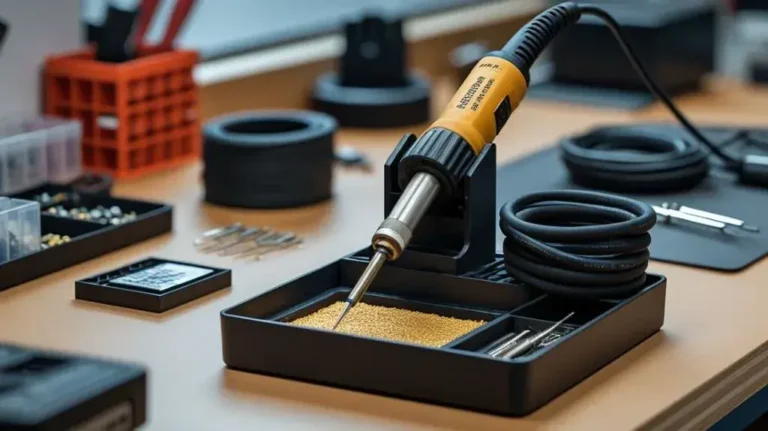
Use a Proper Soldering Iron Stand
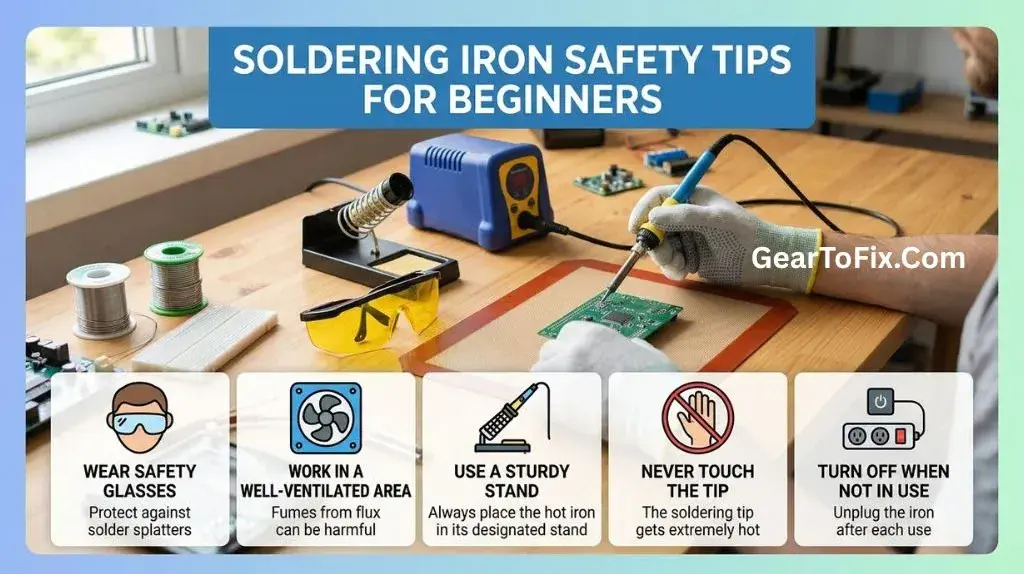
Always use a stand designed to hold the soldering iron. Do not rest the iron directly on the workbench, a piece of scrap wood, or the edge of the project.
A suitable stand should:
- Hold the iron securely
- Keep the hot tip away from the work surface
- Reduce the chance of the iron rolling or falling
- Allow the handle to be picked up without touching the heated section
The stand itself may become warm, especially near the tip holder. Position it away from flammable materials and check that it will not tip when the iron is inserted or removed.
Protect Yourself From Heat and Soldering Fumes
Personal protection does not make careless handling safe, but it reduces the consequences of common mistakes.
Wear safety glasses when soldering. Small droplets of molten solder, clipped wire ends, or bits of heated material can cause eye injuries. Glasses are especially useful when cutting leads or removing solder from a joint.
Wear clothing that does not hang loosely near the work area. Loose sleeves, dangling jewelry, and long hair can catch on tools or contact the iron. Tie back long hair and avoid synthetic clothing that may melt if exposed to heat.
Use good ventilation. Heating solder and flux can release irritating fumes, and the smoke should not be deliberately inhaled. A small fan or fume extractor can help move fumes away from your face, but do not aim a strong fan directly at the joint because it may interfere with heating and spread residue around the workspace.
A safe ventilation setup should:
- Keep your face out of the rising smoke
- Move fumes away from the breathing zone
- Avoid blowing hot solder or debris toward another person
- Provide fresh air without creating an unstable work environment if the work produces persistent smoke or strong odors, stop and improve the ventilation before continuing.
Understand Which Parts Become Hot
The metal tip is not the only part of a soldering iron that can burn you. Heat can travel through the tip, shaft, nearby metal parts, and objects being soldered.
Assume these items may be hot:
- The soldering tip
- The metal collar or shaft near the handle
- Recently soldered wires and circuit-board pads
- Melted solder
- The soldering iron stand near the tip
- Heat sinks, wire ends, and components connected to the joint
The handle is intended to remain cooler than the tip, but it should still be held only in the designated grip area. Never test whether a part is hot by touching it. If an object may have been heated, allow it to cool or use an appropriate tool to move it.
Keep the Iron Tip Pointed Away
When carrying or repositioning the iron, point the tip away from your body and other people. Do not wave the iron around or pass it over your hands.
Avoid reaching across the iron. Plan the movement first, then pick it up by the handle and place it directly where it is needed. If someone needs to pass through the workspace, set the iron securely in its stand before turning away.
Handle the Soldering Iron Correctly
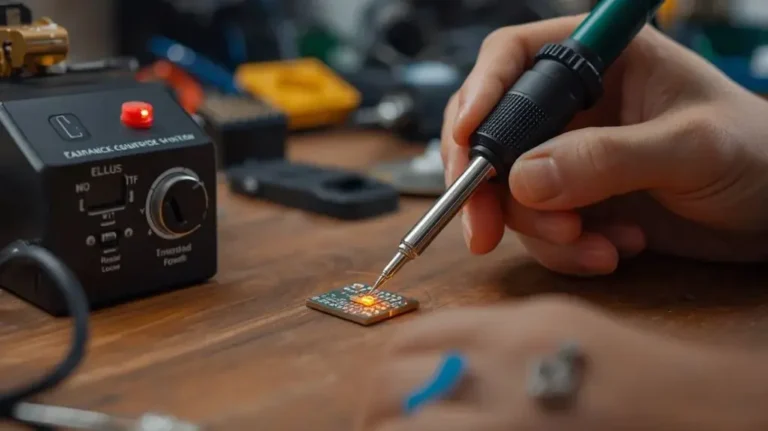
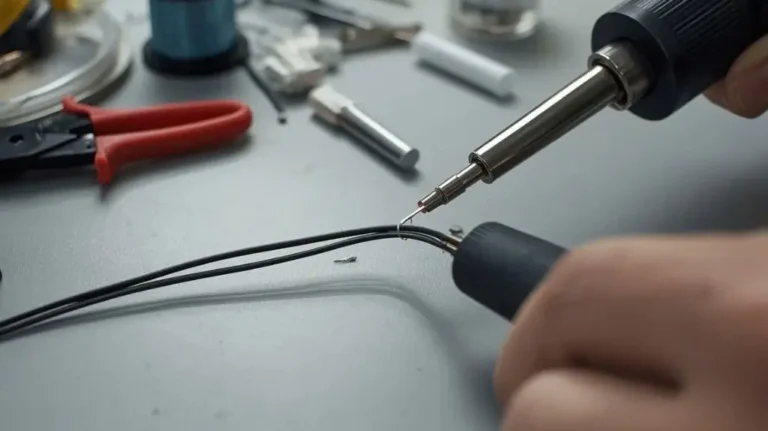
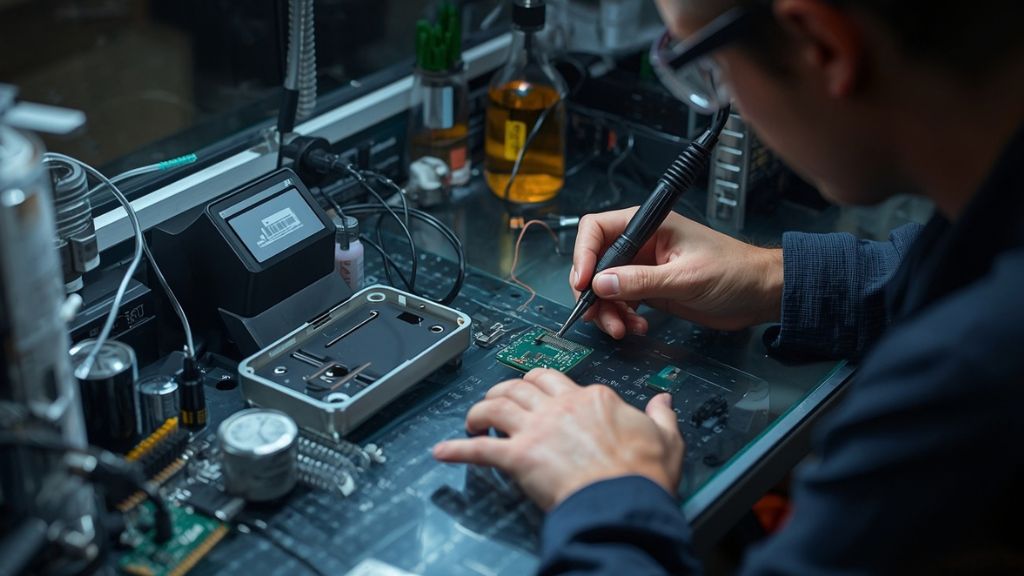
Hold the iron like a pen, using the insulated handle and keeping your fingers well away from the heated section. A relaxed grip provides better control and makes it less likely that the tip will slip.
Use the lowest temperature that allows the solder to melt and form a proper joint for the particular solder and materials being used. The correct setting varies with the iron, solder, component, and application, so avoid assuming that the highest setting is best. Excessive heat can damage circuit-board pads, insulation, components, and the iron tip.
When working:
- Place the iron in its stand before picking up the project or another tool.
- Hold the work securely so it cannot shift unexpectedly.
- Heat the intended joint rather than touching the tip randomly against nearby parts.
- Keep fingers away from the joint and use tweezers, pliers, or a holder when appropriate.
- Return the iron to its stand immediately after use.
- Wait for the joint and nearby materials to cool before moving them.
Never leave the iron balanced on the edge of a table. A fall can burn someone, damage the cord, or ignite materials below.
Check the Cord and Electrical Connection
Inspect the soldering iron and its power cord before use. Do not operate it if the cord is cut, badly worn, melted, or loose near the plug or handle.
Also check for:
- Cracked housing
- A loose or damaged plug
- Unusual sparking
- Burning smells from the handle or cord
- A tip or shaft that does not fit correctly
- A stand that is unstable or damaged
Plug the iron into an appropriate electrical outlet or power source according to the equipment instructions. Avoid using damaged extension cords or overloaded power strips. Keep the cord away from the hot tip and arrange it so your arm cannot easily pull the iron from the stand.
If the iron behaves unusually, becomes excessively hot outside the intended heated area, or produces smoke from the handle, unplug it if this can be done safely and stop using it until the fault is assessed.
Use Solder and Flux Carefully
Solder is a metal alloy designed to melt at a relatively low temperature compared with many other metals, but it is still hot enough to cause burns. Never touch molten solder directly.
Feed solder with the hand that gives you the most control while keeping your fingers away from the heated joint. Avoid holding a long piece of solder in a way that could cause the hot end to contact your skin.
Flux helps solder spread and form a joint, but heated flux can produce irritating fumes. Use only the amount needed for the job, and follow the product’s handling instructions. Do not eat, drink, or apply cosmetics while working, and wash your hands after soldering.
Some solder products contain lead, while others are lead-free. If you are unsure which type you have, check the packaging or manufacturer’s information. Lead-containing solder requires especially careful hygiene:
- Wash your hands after handling solder
- Keep solder away from food and drink
- Do not touch your face while working
- Clean the work surface after finishing
- Store solder securely away from children and pets
Hand washing is not a replacement for ventilation, and ventilation does not replace hand washing.
Protect the Circuit Board and Components
Safety also includes preventing damage to the equipment. A damaged circuit board can create later electrical problems even if nobody is injured during soldering.
Avoid heating the same connection for longer than necessary. Excessive heat can lift a copper pad from a circuit board, melt insulation, damage sensitive components, or weaken nearby connections.
Use tools such as:
- Tweezers for small components
- Pliers for holding wire
- A circuit-board holder for stable positioning
- Heat-resistant supports for keeping materials off the bench
- Heat sinks when the component or instructions call for additional heat protection
Do not hold a component in your fingers directly beside the joint. Heat can travel through a wire or metal lead faster than expected.
If a component has specific installation requirements, follow its instructions rather than relying on a general soldering technique.
Avoid These Common Beginner Mistakes
Leaving the Iron Unattended
Even a short absence can be enough for an iron to fall, scorch a surface, or ignite nearby material. Turn it off and unplug it whenever you leave the workspace, even if the iron is sitting in its stand.
Touching the Tip to Check Its Temperature
Never touch the tip, solder, or recently heated joint to see whether it is hot. A soldering iron tip can remain dangerous after the power is turned off.
Using a Damp or Unstable Stand
A stand that moves, tips, or does not support the iron properly increases the chance of a fall. Replace or secure the stand before working.
Pulling the Plug by the Cord
Disconnect the iron by gripping the plug rather than yanking the cable. Pulling on the cord can damage the connection and create an electrical hazard.
Soldering on a Flammable Surface
Wood, paper, fabric, and some plastics can scorch or melt. Use a suitable heat-resistant surface and keep the hot iron away from anything that can burn.
Blowing on Molten Solder
Blowing can spread hot solder or flux residue and may cause splattering. Let the joint cool naturally or use appropriate tools and techniques specified for the work.
Forcing the Tip Into a Joint
Pushing hard with the iron can slip and cause a burn or damage a board. Heat should do the work. If the solder does not melt or flow properly, reassess the temperature, tip condition, joint preparation, and solder type instead of applying more force.
Using the Iron to Melt Unrelated Materials
Do not use a soldering iron as a general-purpose heat tool for plastic, glue, or unknown substances. Heating materials that were not intended for soldering may release harmful fumes or damage the iron.
A Safe Beginner Soldering Routine
Following the same routine each time reduces avoidable mistakes.
Before Soldering
- Clear the work surface.
- Place the iron in a stable stand.
- Check the cord, plug, handle, and tip.
- Set up ventilation.
- Put on safety glasses.
- Gather the tools and materials you need.
- Confirm that flammable items are away from the work area.
- Make sure the project cannot move unexpectedly.
During Soldering
- Keep the iron in your hand only when actively using it.
- Hold it by the insulated handle.
- Keep the tip pointed away from yourself and others.
- Keep your face out of the fumes.
- Return the iron to its stand whenever you pause.
- Avoid touching the board, wire, solder, or tip until they have cooled.
- Stop if the cord, handle, or work area becomes unsafe.
After Soldering
- Return the iron to its stand.
- Switch it off and unplug it.
- Keep the iron in a safe location while it cools.
- Do not store it until the hot parts have cooled sufficiently.
- Clean the work surface.
- Wash your hands, especially after handling solder.
- Check for stray solder, hot wire ends, or damaged insulation.
What to Do if You Are Burned
If you accidentally touch the hot tip or molten solder, move away from the heat source and cool the affected area with cool running water. Do not apply ice directly to the skin, and do not pull away solder that is stuck to the skin.
For serious burns, burns to the face or eyes, electrical injuries, or burns involving a large area, seek prompt medical assistance. If solder or debris enters an eye, avoid rubbing it and obtain medical help.
A first-aid kit should be available in the workspace, but it does not replace proper medical care when an injury is serious.
When Children and Pets Are Nearby
A soldering area should be inaccessible to children and pets during use and while the iron is cooling. A pet or child can pull a cord, knock over the stand, or touch the iron without understanding the danger.
Store the iron, solder, flux, tools, and scraps securely after use. Keep small wire clippings and solder pieces off the floor and work surface, where they may be swallowed or cause injuries.
Frequently Asked Questions: Soldering Iron Safety Tips For Beginners
How hot does a soldering iron get?
The temperature varies by iron, setting, tip, and design. Regardless of the exact temperature, the tip and nearby metal parts should be treated as capable of causing burns and igniting or melting unsuitable materials.
Should beginners use safety glasses when soldering?
Yes. Safety glasses help protect against molten solder, clipped wire ends, and small debris. They are particularly useful when cutting component leads or removing solder.
Is soldering smoke dangerous to breathe?
Soldering smoke should not be deliberately inhaled. It commonly comes from heated flux and can irritate the eyes and respiratory system. Keep your face out of the smoke and use suitable ventilation or fume extraction.
Can I leave a soldering iron plugged in while it is in the stand?
It is safer to switch it off and unplug it whenever it is not actively being used, especially when leaving the workspace. A stand reduces the chance of contact but does not eliminate the risks of fire, accidental movement, or equipment failure.
How long should I wait before touching a soldered joint?
Wait until the joint, wire, circuit board, and nearby components have cooled. Cooling time depends on the size and material of the parts, so do not rely on a fixed number of seconds. If there is any doubt, wait longer or handle the part with an appropriate tool.
Can I solder on a wooden desk?
A wooden desk is not an ideal direct work surface because it can be scorched by the iron or molten solder. Use a stable, heat-resistant work mat or surface and keep the iron in a proper stand.
Final Takeaway
The most important soldering iron safety tips for beginners are simple: use a stable stand, wear eye protection, ventilate the area, keep flammable materials away, handle the iron only by its insulated grip, and unplug it whenever you are finished or stepping away.
Treat the tip, solder, circuit board, and nearby metal parts as hot until they have cooled. Consistent setup and shutdown habits will protect you from burns and fumes while also reducing damage to your tools and projects.

Scott Yarnell is a tool expert focused on practical guides, product research, and real-world tool performance to help readers make informed decisions.