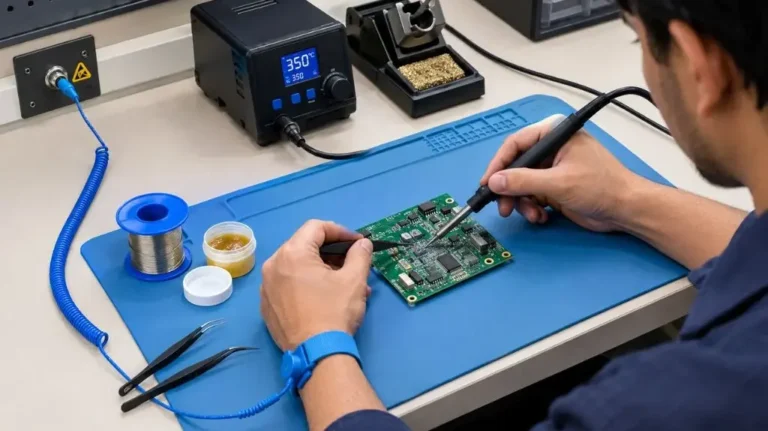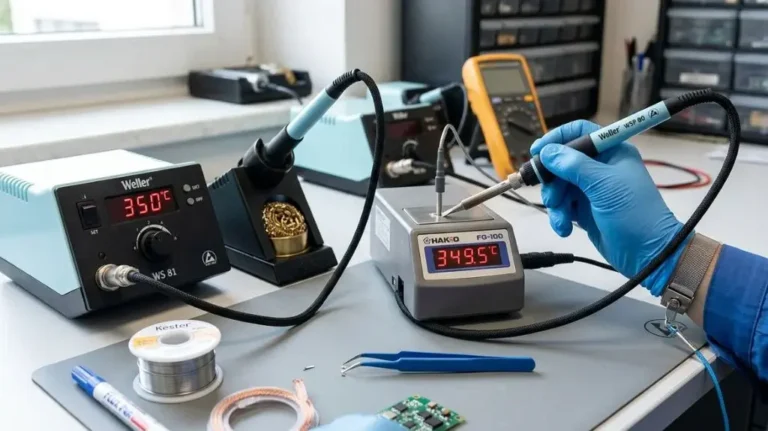
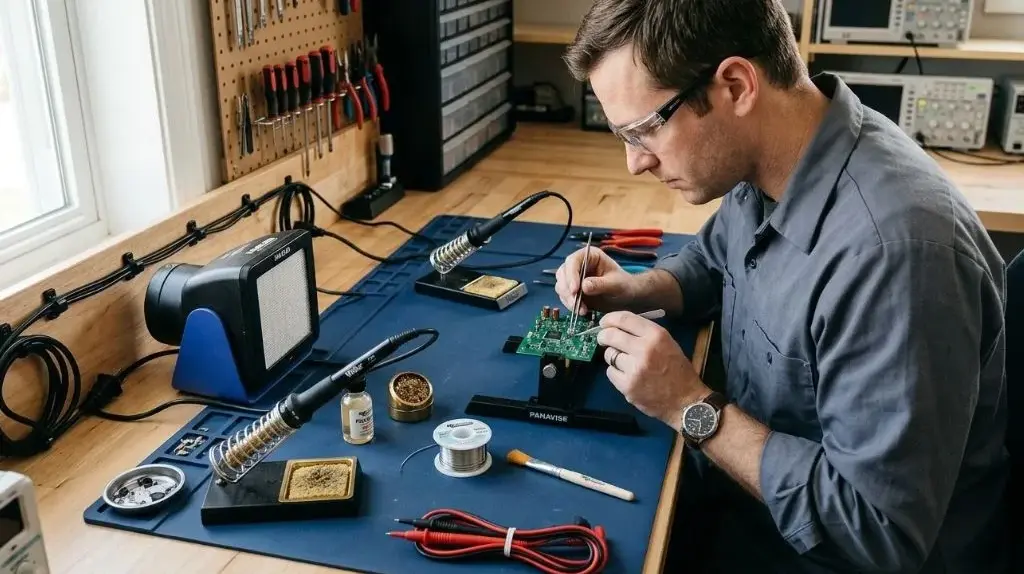
How To Set Up A Soldering Station Safely At Home: Safe Setup
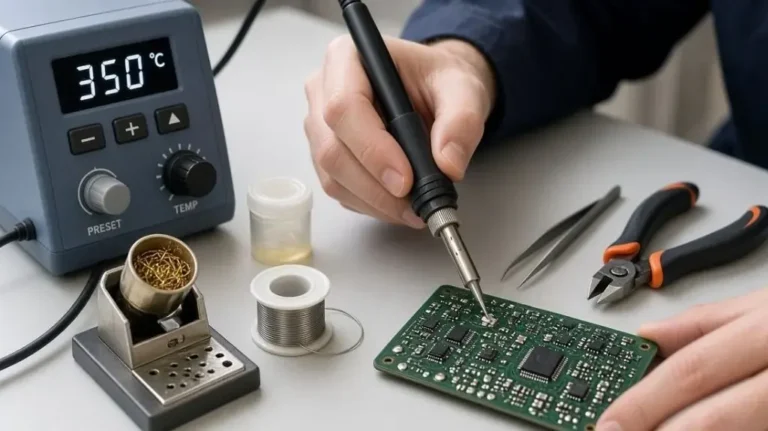
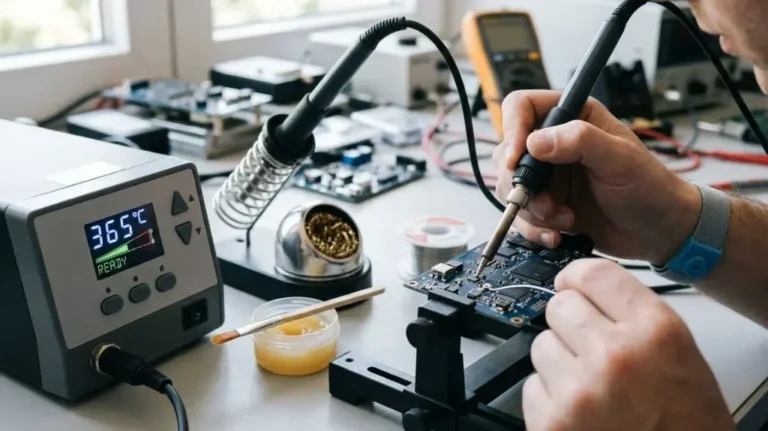
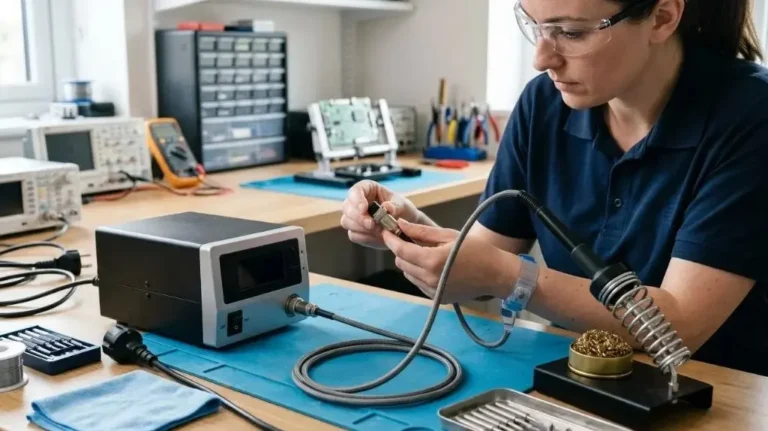
A safe home soldering station needs more than a soldering iron and a clear patch of desk. Set it up on a stable, heat-resistant surface, arrange ventilation to capture fumes near the work, keep flammable items away, and make sure the hot iron has a secure stand. These steps help reduce the risk of burns, fire, and unnecessary exposure to soldering fumes.
The right setup also makes soldering easier: good lighting, a stable way to hold the work, and organized tools help prevent slips and accidental contact with the iron.
What a Safe Home Soldering Station Needs
Choose a location with a stable work surface and enough room to move the iron without reaching over cords, parts, or other tools. A dedicated bench is useful, but a sturdy table can work if it is protected from heat and kept clear of unrelated items.
| Station item | What it does | Safety consideration |
|---|---|---|
| Temperature-controlled soldering station or iron | Heats the tip for joining components | Use it according to the manufacturer’s instructions |
| Stable iron stand | Holds the hot iron between uses | Place it where the iron can be returned without crossing your hands over the work |
| Heat-resistant work surface or mat | Protects the bench from heat and solder splashes | Keep it in good condition and away from flammable materials |
| Fume extractor or suitable ventilation | Draws soldering fumes away from your breathing zone | Position source capture close to the work |
| Work holder or PCB vise | Keeps the board or part steady | Avoid holding small work in your hand while soldering |
| Eye protection and task lighting | Helps you see the joint and spot small splashes | Use comfortable, unobstructed lighting and protective eyewear as appropriate |
A silicone soldering mat or metal work surface can help protect a bench, but do not assume every mat is suitable for every iron or task. Follow the mat’s and equipment’s instructions. An ESD mat, which helps control static electricity, is not necessarily designed to withstand heat; use a separate heat-resistant layer if needed.
How to Set Up a Soldering Station Safely at Home
Set up the station before plugging in the iron. A deliberate arrangement makes it easier to keep the hot tip away from hands, cords, and clutter.
Choose a stable, well-lit location. Use a table that does not wobble and place the work where you can see it clearly. Keep the station away from walkways, curtains, paper, solvents, aerosols, and other materials that could be damaged or catch fire.
Protect the work surface. Place an appropriate heat-resistant mat or other suitable protective surface under the work area. Do not place a hot iron directly on a desk, cardboard, plastic, or a surface whose heat resistance is unknown.
Position the iron stand. Put the stand beside the work area, within easy reach, so the iron can be returned to it without passing over your hands or loose parts. Check that the stand sits securely and cannot tip when you insert or remove the iron.
Arrange ventilation. Use a soldering fume extractor or other source-capture ventilation that draws fumes away from your face. Place its intake near the soldering point without obstructing your view or work. If your setup exhausts air outdoors, follow the equipment instructions and avoid directing exhaust toward people or air intakes. A room fan that simply blows fumes around may spread them rather than remove them.
Secure the work. Use a PCB holder, vise, or other stable support for circuit boards and small parts. Arrange tools so you do not need to reach across the hot iron, and keep wires from dangling into the work area.
Check the electrical setup. Inspect the iron, station, plug, and cord for visible damage. Use equipment that is appropriate for your outlet and follow its manual. Keep cords away from the hot tip, sharp edges, and places where they could be pulled or tripped over. Do not use damaged electrical equipment.
Clear the area and prepare what you need. Put solder, flux, tweezers, cutters, and parts within reach before heating the iron. Keep food and drinks out of the work area, and make sure children and pets cannot reach the station.
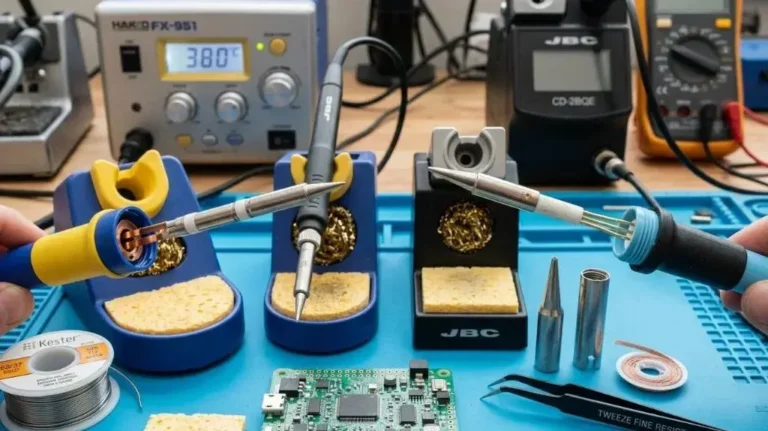
Once the station is arranged, turn on the iron and use a temperature suitable for the solder, components, and task. There is no single setting that works for every soldering job. Follow the equipment and material guidance, and avoid leaving the iron powered on unattended.
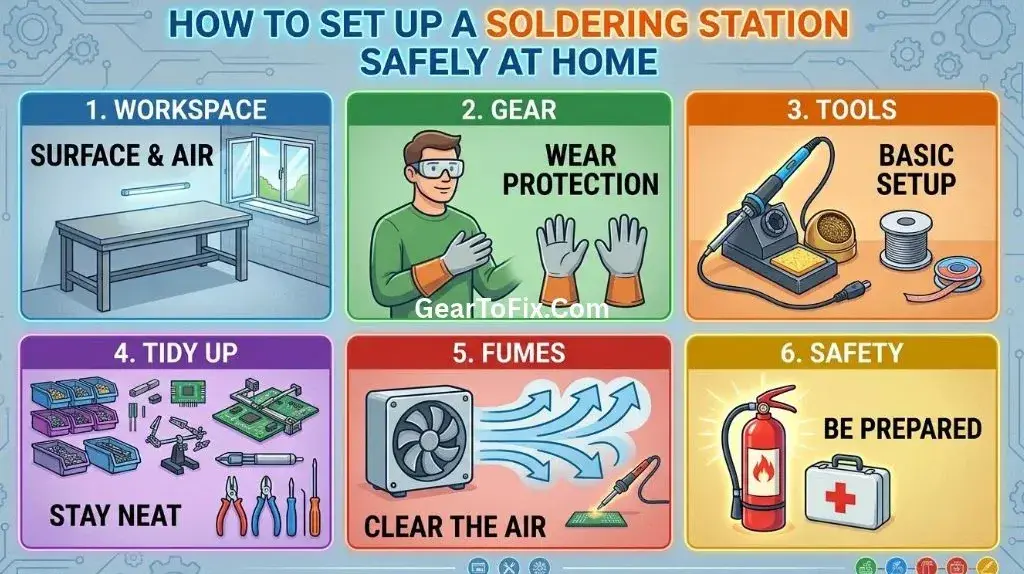
Ventilation and Soldering Fume Precautions
Soldering fumes mainly come from heated flux and related materials, not from the solder simply melting. The smoke can irritate the eyes or airways, so avoid leaning directly over the joint or working in a way that pulls fumes toward your face.
A source-capture extractor is generally more useful than relying on room air movement alone. Keep its intake close enough to draw fumes away from the joint, while leaving room to see and work. If using a filter-based unit, follow its instructions for filter maintenance and replacement; a filter’s effectiveness depends on its design and condition.
Do not assume that an open window or a fan across the room will adequately control fumes. If you solder regularly or the work produces noticeable smoke, improve source capture and room ventilation rather than simply tolerating the fumes. Stop if fumes are causing irritation, and reassess the setup before continuing.
Protect Yourself From Burns, Solder, and Flux
The iron tip and nearby metal parts can remain hot after the station is switched off. Treat the iron as hot whenever it is powered, and allow it to cool in its stand before putting it away.
- Keep fingers clear of the tip and the joint; use tweezers or a work holder for small parts.
- Wear eye protection when solder or clipped leads could flick toward your face.
- Use tools designed for the work rather than gripping heated parts by hand.
- Avoid touching solder or flux unnecessarily, and follow the product label and safety information.
- Wash your hands after soldering, especially before eating or drinking.
- Keep solder and flux in their original, labeled containers and store them away from children and pets.
If using lead-containing solder, take extra care to prevent contamination. Do not eat, drink, or smoke at the bench, and do not use the soldering area for food preparation. Collect solder scraps and contaminated materials, then handle or dispose of them according to product guidance and local requirements. Lead-free solder still requires good hygiene and fume control; “lead-free” does not mean that every other material or fume is harmless.
Fire and Electrical Safety While You Work
A hot iron can ignite or damage nearby materials if it is left in the wrong place. Keep the bench free of paper scraps, packaging, cloth, and other clutter, and return the iron to its stand whenever you pause. Do not leave it unattended while powered.
Keep liquids away from the station and electrical equipment. If a spill reaches the iron, station, or outlet, stop work and disconnect power only if it is safe to do so. Do not continue using equipment that may have been damaged by liquid.
Keep an appropriate fire extinguisher accessible and know how to use it. Do not use water on an energized electrical fire. If a fire cannot be controlled safely, leave the area and contact emergency services.
Common Setup Mistakes to Avoid
- Using a wobbly stand: A stand that tips or slides can leave the hot iron exposed. Position it on a flat surface and check its stability before switching on.
- Blowing fumes across the room: A fan may move smoke without capturing it. Use source capture that draws fumes away from your breathing zone.
- Working on an unprotected surface: A desk may be damaged by the iron or hot solder. Use a suitable heat-resistant surface and keep the iron in its stand.
- Holding the circuit board by hand: The work can shift unexpectedly, bringing fingers close to the tip. Secure it before soldering.
- Leaving the iron on during a break: Switch it off when you are finished or need to step away. Follow the station’s instructions for shutdown and cooling.
- Assuming an ESD mat is heatproof: Static-control materials and heat protection serve different purposes. Check the mat’s specifications and use suitable protection for both needs.
Shutting Down and Storing the Station
When the job is finished, switch off the station and let the iron cool in its stand. Do not put it away while the tip or barrel is still hot, and do not leave it where someone could touch it accidentally.
After the equipment has cooled, clear solder scraps and flux residue from the work area using methods appropriate for the materials involved. Store solder, flux, and sharp tools safely, and keep waste separate for disposal according to its labeling and local guidance. Before storing the station, check that its cord is not damaged or wrapped around a hot part.
FAQs Of How To Set Up A Soldering Station Safely At Home
Can I set up a soldering station on a kitchen table?
You can use a sturdy table if the area is cleared, protected with a suitable heat-resistant surface, and kept separate from food preparation. Keep solder, flux, fumes, and hot tools away from food, dishes, children, and pets. Clean the area appropriately after the work is done.
Is an open window enough ventilation for soldering?
Not necessarily. Airflow from a window may not reliably draw fumes away from your face or the soldering point. A source-capture extractor positioned near the work is a more direct way to control fumes.
Do I need a temperature-controlled soldering station?
Temperature control can help you set and maintain a suitable working temperature, but the right choice depends on the work and equipment. Whatever iron you use, follow its instructions, select a setting appropriate to the materials, and avoid leaving it powered on unattended.
Is a silicone soldering mat enough to protect the whole work area?
A suitable mat can protect the surface directly beneath the work, but it does not replace a stable iron stand, good ventilation, or keeping flammable items away. Check that the mat is intended for your task and keep the hot tip on the stand rather than on the mat.
Can I use lead-free solder without extra precautions?
No soldering setup should be treated as risk-free. Lead-free solder removes lead from the solder alloy, but flux fumes and hot tools still require care. Use ventilation, avoid contact with solder and flux, and wash your hands after working.
Final Takeaway
A safe home soldering station is stable, uncluttered, ventilated, and arranged so the hot iron has a secure place between uses. Protect the work surface, secure the parts, keep fumes out of your breathing zone, and treat soldering materials and hot tools with care. Before each session, check the setup and make sure you can work without reaching across the iron or exposing others to the hazards.

Scott Yarnell is a tool expert focused on practical guides, product research, and real-world tool performance to help readers make informed decisions.